What it looks like on the walk
Screens and the ground they were recorded on.


A walking tracker that counts your steps, keeps your routes, and shows you the week you actually had.
Screens and the ground they were recorded on.
De Tred reads your phone's motion sensors and keeps the day's count running in the background. You don't start it, you don't stop it.
Tap once when you set off and the walk is saved separately — distance, duration and the route you took — so a long Sunday walk doesn't disappear into the day's total.
Pick a step target that fits your week and watch it fill through the day. Change it whenever your routine changes.
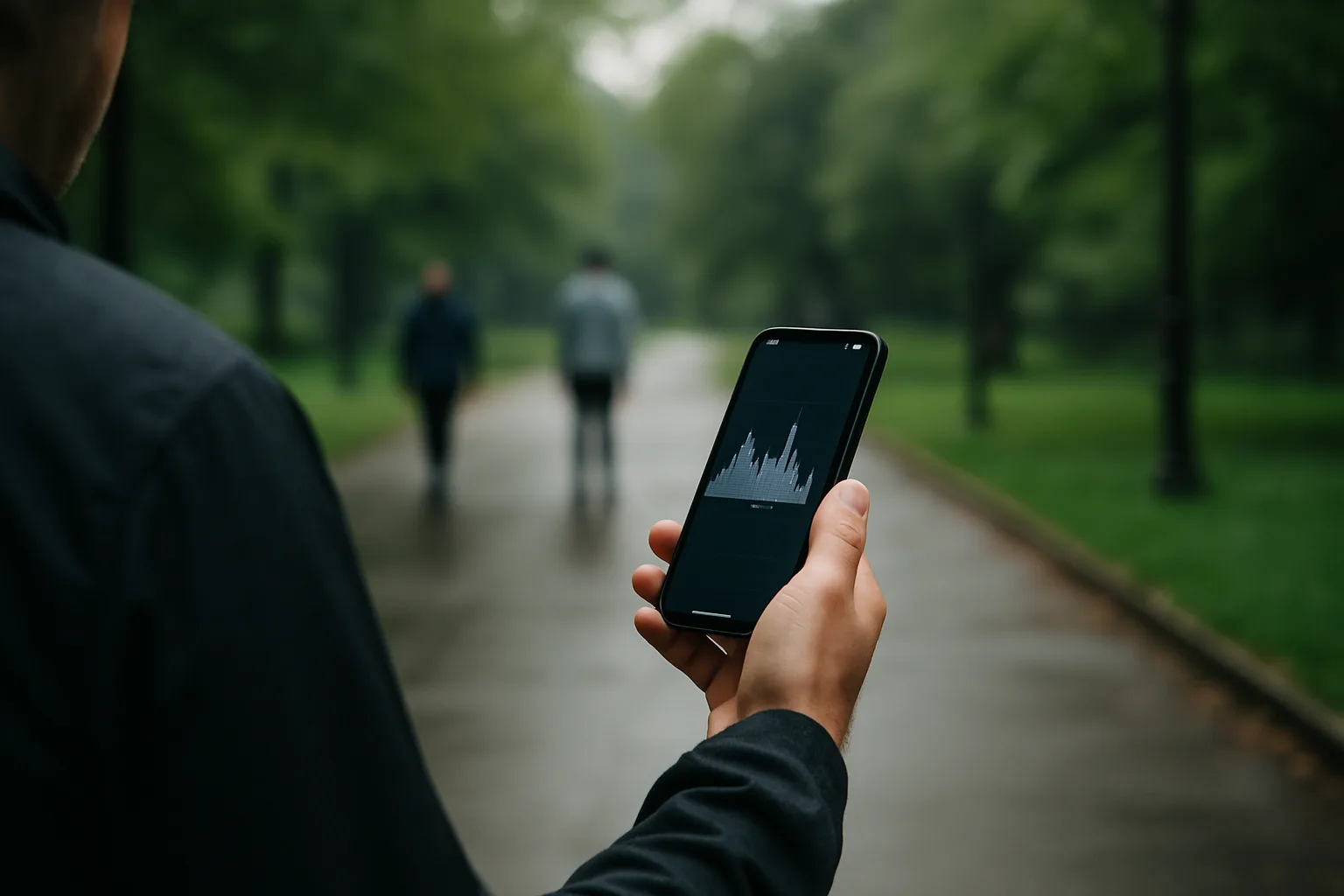
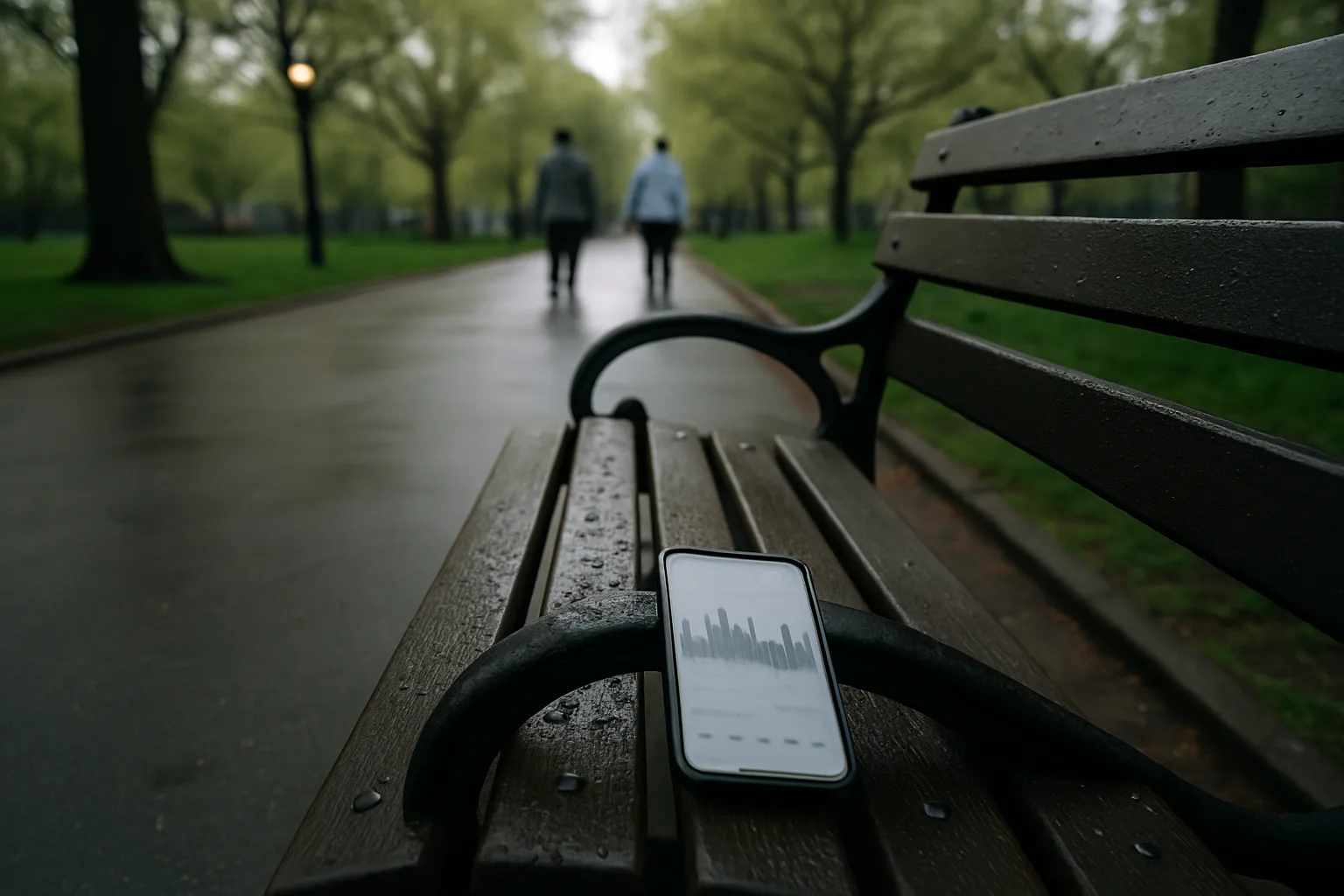
Plain charts, no interpretation: seven bars for the week, the month laid out beside it, so you can see which days you move and which days you don't.
No watch, no band, no extra hardware to charge. If the phone is in your pocket, the walk is counted.
Start lower than you think. The point of the first week is a baseline, not a record.
The step count runs on its own. Tap to log the walks you want kept as routes — the commute, the dog, the long one.
Seven bars tell you where your ground actually comes from. Most people find it's one or two days carrying the rest.
Nudge the target up when the low days stop being low. The monthly view is where that change becomes visible.
Questions about how the tracking works, what the app records, or using it with your phone — send them here and we'll answer properly.
Thanks — someone from De Tred will get back to you shortly at the address you gave.
This website uses cookies for analytics and advertising measurement, but only after you give your consent. Learn More